

Manually logging every meal is exhausting. You forget a snack, misremember a portion size, or simply give up after a long day, and suddenly your nutrition data is unreliable. That cycle of inconsistency is exactly what keeps most people from reaching their weight management goals. AI-powered food logging changes the equation entirely. Instead of typing, searching databases, and estimating grams, you simply point your iPhone camera at your plate and let the technology do the work. This guide walks you through every step, from setup to progress review, so you can track smarter and eat better without the friction.
Table of Contents
- Preparing for intuitive food logging on your iPhone
- Step-by-step food logging: How to track meals effortlessly
- Troubleshooting and avoiding common mistakes
- Verifying your nutrition progress and making adjustments
- A fresh perspective: Why effortless food logging with AI is a game changer
- Take your nutrition tracking further with Numi
- Frequently asked questions
Key Takeaways
| Point | Details |
|---|---|
| AI simplifies logging | AI-powered apps enable effortless food tracking, eliminating manual entry hassles. |
| Accurate nutrition insights | Apps generate precise feedback based on logged meals for better weight management. |
| Avoid common mistakes | Knowing pitfalls and solutions keeps your nutrition tracking reliable and effective. |
| Personalization matters | AI delivers tailored dietary suggestions that adapt to your habits and goals. |
| Support and privacy | Reliable apps offer robust privacy policies and responsive customer support for peace of mind. |
Preparing for intuitive food logging on your iPhone
Having highlighted the benefits of AI for food logging, let's make sure you have everything ready to start. Good preparation means your first logged meal goes smoothly, and you build momentum from day one rather than troubleshooting basics mid-session.
What you need before you begin:
- An iPhone running iOS 16 or later (camera quality matters for AI recognition)
- A reliable internet connection, either Wi-Fi or cellular, since AI image analysis happens in the cloud
- A downloaded food logging app with built-in AI recognition (no barcode scanner required)
- A few minutes to complete onboarding, including your age, weight, activity level, and health goals
- Optional but recommended: Apple Health integration enabled so the app can pull in step count and activity data
The Numi AI tracker is built specifically for this workflow. Numi offers AI calorie and nutrition tracking with no manual logging for iPhone users, which means setup is focused on your personal profile rather than configuring a food database. That distinction matters because the app learns your preferences and patterns over time, making every subsequent log more accurate and personalized.
Here is a quick reference table to orient you before your first session:
| Tool or feature | Purpose | Initial setting |
|---|---|---|
| iPhone camera | Capture meal images for AI analysis | Enable camera access in app permissions |
| AI food recognition | Identify foods and estimate portions | Activated automatically after onboarding |
| Metabolic profile | Personalize calorie and macro targets | Set during first launch (age, weight, goals) |
| Apple Health sync | Pull activity and hydration data | Toggle on in iPhone settings |
| Fasting tracker | Monitor eating windows and fasting state | Set your preferred eating window |
| Weekly summary | Review nutrition trends and patterns | Enabled by default, delivered every Sunday |
Take five minutes to fill out your metabolic profile completely. Apps that know your goal (fat loss, muscle gain, maintenance, or metabolic health) can tailor macro targets rather than handing you a generic 2,000-calorie default. That personalization is the foundation everything else builds on.
Step-by-step food logging: How to track meals effortlessly
With everything set up, let's walk through each step for logging your meals the smart way. The process is designed to take under 30 seconds per meal once you are familiar with it.
Step 1: Open the app before or during your meal. Logging immediately after eating, while the plate is still in front of you, produces the most accurate image analysis. Trying to reconstruct a meal from memory two hours later reintroduces the same guesswork you were trying to avoid.
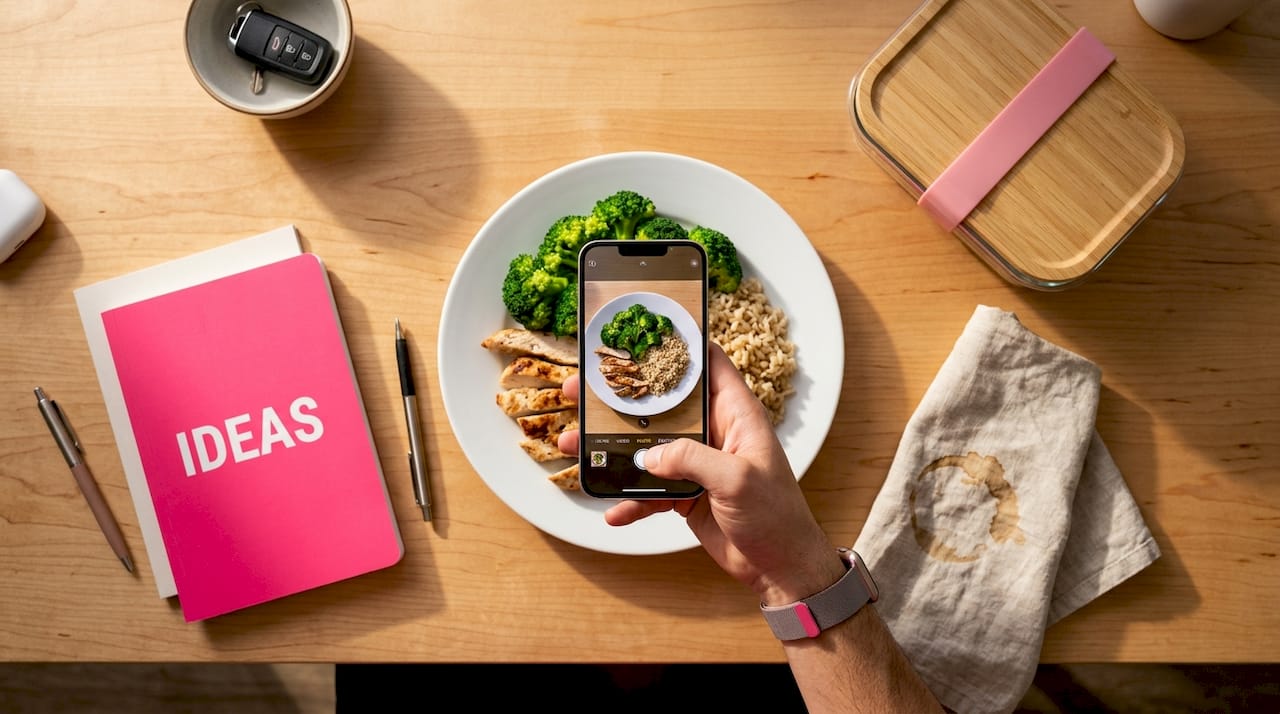
Step 2: Tap the camera icon and photograph your plate. Shoot from directly above, about 12 to 18 inches away, with decent lighting. Natural light works best. The AI reads visual cues like color, texture, shape, and relative size to identify individual foods and estimate portion weights.
Step 3: Review the AI-generated food list. The app will display each recognized item with estimated weights and a full nutrition breakdown covering calories, protein, carbohydrates, fat, fiber, key vitamins, and glycemic impact. Scroll through and confirm or adjust any item the AI flagged with lower confidence.
Step 4: Add context if needed. Did you add olive oil during cooking? Eat a sauce on the side? Use the quick-add feature to note extras. Numi's AI capabilities allow users to log meals without manual entry for the main dish, and the quick-add keeps the entire process fast even for complex meals.
Step 5: Save the log and check your daily summary. The app updates your macro progress bar in real time. You can see exactly how much protein, fat, and carbohydrate budget remains for the day, which makes planning your next meal much more intentional.
Step 6: Log water and any fasting windows. Hydration and eating windows are part of the metabolic picture. Logging them takes seconds and gives the app enough data to generate meaningful weekly insights.
Pro Tip: Set up a "favorites" list for meals you eat regularly, like your morning oatmeal or your standard lunch salad. Most AI logging apps let you re-log a saved meal in one tap, so recurring meals never slow you down.
Here is how AI logging compares to traditional manual entry:
| Factor | AI-powered logging | Manual logging |
|---|---|---|
| Time per meal | Under 30 seconds | 3 to 8 minutes |
| Portion accuracy | Visual estimation by AI | User estimation (often off by 30%+) |
| Food database needed | No | Yes, with thousands of entries |
| Consistency over time | High (low friction) | Low (high abandonment rate) |
| Personalized feedback | Real-time, contextual | Generic or none |
| Learning curve | Minimal | Steep for new users |
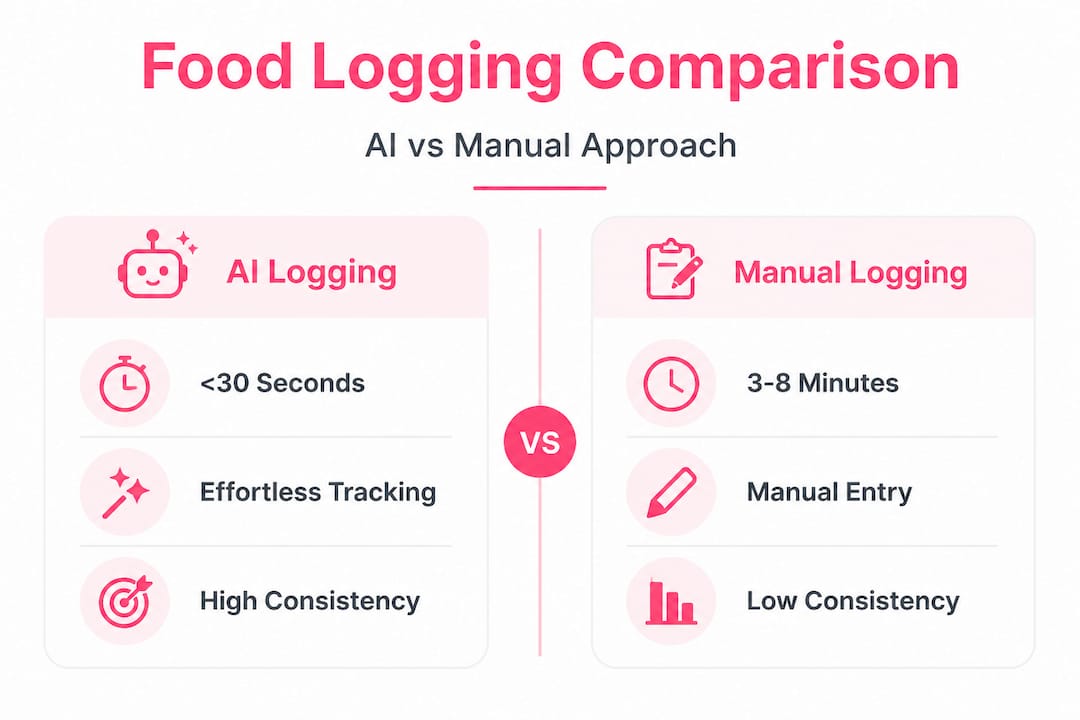
The consistency column is the most important one. Research on behavior change consistently shows that friction is the enemy of habit formation. When logging takes 30 seconds instead of 8 minutes, you actually do it every day.
Troubleshooting and avoiding common mistakes
After learning the steps, it's important to sidestep the mistakes that quietly undermine your nutritional tracking. Even with great technology, a few common patterns can erode the quality of your data.
The most frequent pitfalls and how to fix them:
- Inconsistent logging timing: Logging at wildly different times each day makes trend analysis harder. Try to log within 10 minutes of eating, every time.
- Skipping small items: A handful of nuts, a splash of cream in your coffee, or a few bites of someone else's food add up. These "invisible calories" are a leading cause of stalled weight loss even among people who believe they are tracking accurately.
- Ignoring app feedback: The AI generates contextual notes about your meals, such as flagging high glycemic load or low protein intake. Many users dismiss these without reading them. That feedback is where the real value lives.
- Relying on memory logging: Reconstructing a meal from memory introduces errors. If you cannot log in the moment, take a quick photo and log it within the hour while the image is fresh.
- Not updating your metabolic profile: If your weight changes significantly, your calorie and macro targets need to be recalibrated. Most apps prompt you to update, but do not ignore those prompts.
Pro Tip: Use iPhone's built-in Focus modes to schedule a "Meal Time" reminder that nudges you to open the app at your typical breakfast, lunch, and dinner times. After two weeks, the habit becomes automatic and you will rarely need the reminder.
Important note on data privacy: Your meal photos and nutrition data are personal health information. Before committing to any food logging app, review its privacy policy carefully to understand how your data is stored, whether it is shared with third parties, and how you can delete your records. Responsible food logging best practices include choosing apps that are transparent about data handling and give you full control over your information.
Accuracy also improves when you photograph foods before mixing them. A deconstructed plate (protein, vegetables, and starch separated) gives the AI cleaner visual data than a casserole or a stew. When you are eating a mixed dish, log it as a whole and use the manual adjustment feature to fine-tune any items the AI estimated conservatively.
Verifying your nutrition progress and making adjustments
Once you are logging consistently, it is time to verify your results and fine-tune your habits. Logging without reviewing is like tracking your finances without ever checking your balance. The data only becomes useful when you act on it.
How to interpret and use your nutrition feedback:
- Check your weekly summary every Sunday. Look for patterns: Are you consistently under on protein? Over on refined carbohydrates? Hitting your fiber targets? One week of data is a snapshot; four weeks is a trend worth acting on.
- Pay attention to glycemic impact scores. High glycemic load meals spike blood sugar and often lead to energy crashes and increased hunger two hours later. If you notice afternoon fatigue, cross-reference it with your lunchtime glycemic score.
- Review your eating window data. If you practice intermittent fasting, the app tracks when your first and last calories were consumed. Consistency in your eating window is one of the strongest levers for metabolic health.
- Compare your macro split to your goals. A person targeting fat loss needs a different protein-to-carbohydrate ratio than someone building muscle. The app's personalized nutrition insights adjust these targets based on your profile and flag when your actual intake drifts from your goal.
- Use trend analysis to identify problem days. Most people have one or two days per week where their nutrition falls apart. Identifying those days lets you plan proactively, whether that means meal prepping on Sunday or having a high-protein snack ready on Friday evenings.
Key stat: Studies on self-monitoring behavior show that people who review their nutrition data at least once per week are significantly more likely to achieve and maintain their weight management goals compared to those who log but never review.
Making adjustments does not mean overhauling your entire diet. Small, targeted changes compound over time. If your data shows you are 20 grams short on protein most days, adding a Greek yogurt or a handful of edamame to your afternoon routine closes that gap without disrupting anything else. That is the kind of precision that manual tracking rarely delivers because the data quality simply is not there.
A fresh perspective: Why effortless food logging with AI is a game changer
Here is an uncomfortable truth about traditional nutrition tracking: most people who try it fail not because they lack discipline, but because the method itself is broken. Manually logging food requires you to be a part-time nutritionist, memorizing portion sizes, hunting through food databases, and second-guessing every estimate. That cognitive load is exhausting, and exhaustion leads to abandonment.
The conventional wisdom says that if you are not losing weight, you need to track more carefully. But careful tracking with a flawed, high-friction system just means more careful guessing. The problem was never motivation. It was the tool.
What AI-powered nutrition tracking actually does is remove the cognitive cost of data collection so your mental energy goes toward behavior change instead. When you do not have to think about how to log your meal, you start thinking about what you want to eat and why. That shift in mental focus is where real habit formation happens.
We have seen this pattern repeatedly: users who struggled with manual apps for months become consistent loggers within the first week of switching to AI-powered tools. The difference is not willpower. It is friction. Lower the barrier, and consistency follows almost automatically.
The future of personal nutrition is not about more data. It is about better data delivered with less effort, interpreted in context, and connected to your actual goals. Logging a meal should feel as natural as taking a photo, because that is exactly what it is.
Take your nutrition tracking further with Numi
You have the framework. Now it is time to put it into practice with a tool built specifically for this approach.
Start with Numi and experience what food logging feels like when AI handles the heavy lifting. From your first meal photo to your weekly nutrition summary, every feature is designed to reduce friction and increase the quality of insights you get back. Whether you are focused on weight loss, metabolic health, or simply understanding how food affects your energy and mood, Numi gives you the data clarity to make smarter choices every day. If you ever have questions along the way, the Numi support team is there to help you get the most out of every feature.
Frequently asked questions
Can AI food logging apps log meals automatically?
Yes, AI food logging apps like Numi automate meal tracking without manual entry by using computer vision to recognize foods from a photo. Numi enables no manual logging for iPhone users, making the process fast and consistent.
How accurate are AI calorie and nutrition trackers?
AI-powered trackers provide highly accurate logging by analyzing visual meal data and cross-referencing it against extensive nutritional databases for precise macro and calorie breakdowns. Numi generates personalized insights for weight management that improve in accuracy as the app learns your eating patterns over time.
Do I need to manually enter each meal?
No, with AI-enabled food logging, meals are tracked automatically using your iPhone camera, eliminating the need for database searches or barcode scanning. Numi offers AI calorie tracking without manual entry so you can log in under 30 seconds.
Is my data secure when using a food logging app?
Food logging apps like Numi provide clear privacy policies and secure data management practices to protect your personal health information. Reviewing the Numi privacy policy gives you full transparency on how your meal data is stored and used.